How to Invoice for Hours Worked (With a Timesheet Invoice Example)
Billing by the hour? Here is how to lay out an hourly invoice so clients understand it and pay quickly, with a worked timesheet example you can copy.
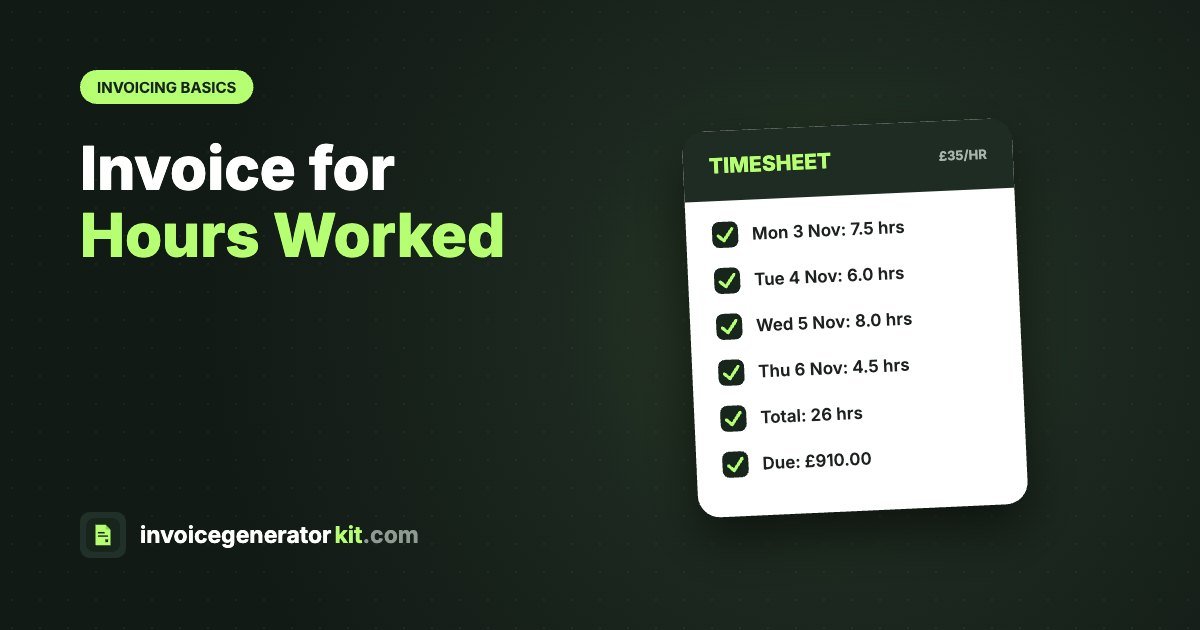
To invoice for hours worked, list each date or task with the number of hours, show your hourly rate, and multiply the hours by the rate for each line. Add the lines for a subtotal, apply any VAT if you are registered, and show the total due with a due date and your payment details. Keep the descriptions specific enough that the client can match them to the work they asked for.
What an hourly invoice should include
- Your name or business name, address and contact details
- The client's name and address, and any purchase order number
- A unique invoice number and the invoice date
- The period covered, for example 3 to 7 November 2026
- Each date or task, hours worked, hourly rate and line total
- Subtotal, any VAT and the total due
- Due date and how to pay
The general rules are in our invoice checklist; this guide focuses on how to present the hours.
Timesheet invoice example
| Date | Description | Hours | Rate | Amount |
|---|---|---|---|---|
| Mon 3 Nov | Homepage design revisions | 7.5 | £35.00 | £262.50 |
| Tue 4 Nov | Product page build | 6.0 | £35.00 | £210.00 |
| Wed 5 Nov | Checkout testing and fixes | 8.0 | £35.00 | £280.00 |
| Thu 6 Nov | Client call and handover notes | 4.5 | £35.00 | £157.50 |
| Total | 26.0 | £910.00 | ||
In our free invoice generator, put the hours in the quantity column and your hourly rate in the rate column. The totals update automatically and you can save common tasks as quick items.
How to set out hours: three options
| Format | Best for |
|---|---|
| One line per day | Contractors and temps who work set days |
| One line per task | Freelancers on projects, so clients see what each hour paid for |
| One summary line plus attached timesheet | Agencies and clients with their own timesheet systems |
Rounding, minimums and overtime
- Rounding: agree an increment, usually 15 minutes, and use decimals (0.25, 0.5, 0.75) on the invoice. 1 hour 45 minutes is 1.75 hours.
- Minimum charge: if you charge a minimum call-out or one-hour minimum, state it in your terms and on the line.
- Overtime or rush rates: use a separate line with the different rate.
- Expenses: list travel or materials on their own lines rather than adding them to your hourly rate.
Day rate vs hourly invoices
If you work full days, a day rate is simpler: quantity is the number of days and the rate is your day rate. Just state what a day means, for example 7.5 hours, so extra hours can be billed fairly.
Tips to get hourly invoices paid faster
- Invoice weekly or monthly on a fixed day, so clients expect it.
- Track time as you work rather than reconstructing it later.
- Use clear descriptions the client will recognise from their own requests.
- Set short payment terms, such as 14 days.
- Email it as a PDF with the period in the subject line. See how to send an invoice.
If you are a sole trader, our self-employed invoice guide covers the rest of what you need.
Frequently asked questions
How do I write an invoice for hours worked?
List each date or task with the hours spent, show your hourly rate, multiply to get each line total, then add the lines for the total due. Include the usual invoice details: number, dates, your details, client details and payment terms.
Should I round my hours up?
Agree a rounding rule with the client in advance, such as to the nearest 15 minutes, and apply it consistently. Rounding every task up without agreement is a common cause of disputes.
Do I need to attach a timesheet?
Not legally, but many clients and agencies require one. You can either list the hours on the invoice itself or summarise them and attach the detailed timesheet.
How often should I invoice hourly work?
Weekly or monthly is most common. Weekly invoicing keeps cash flowing and makes each invoice smaller and easier for clients to approve.
Can I charge a different rate for overtime?
Yes, if it was agreed beforehand. Put overtime, weekend or rush-rate hours on a separate line so the client can see exactly what each rate applies to.
Create your invoice now
Add your logo, line items and tax, see it on a real A4 page, then download a clean PDF. Free, with no sign up.